Email Us
en
Industry 4.0 With IOT Productivity

Smart Factory Tools for Industry 4.0 Access

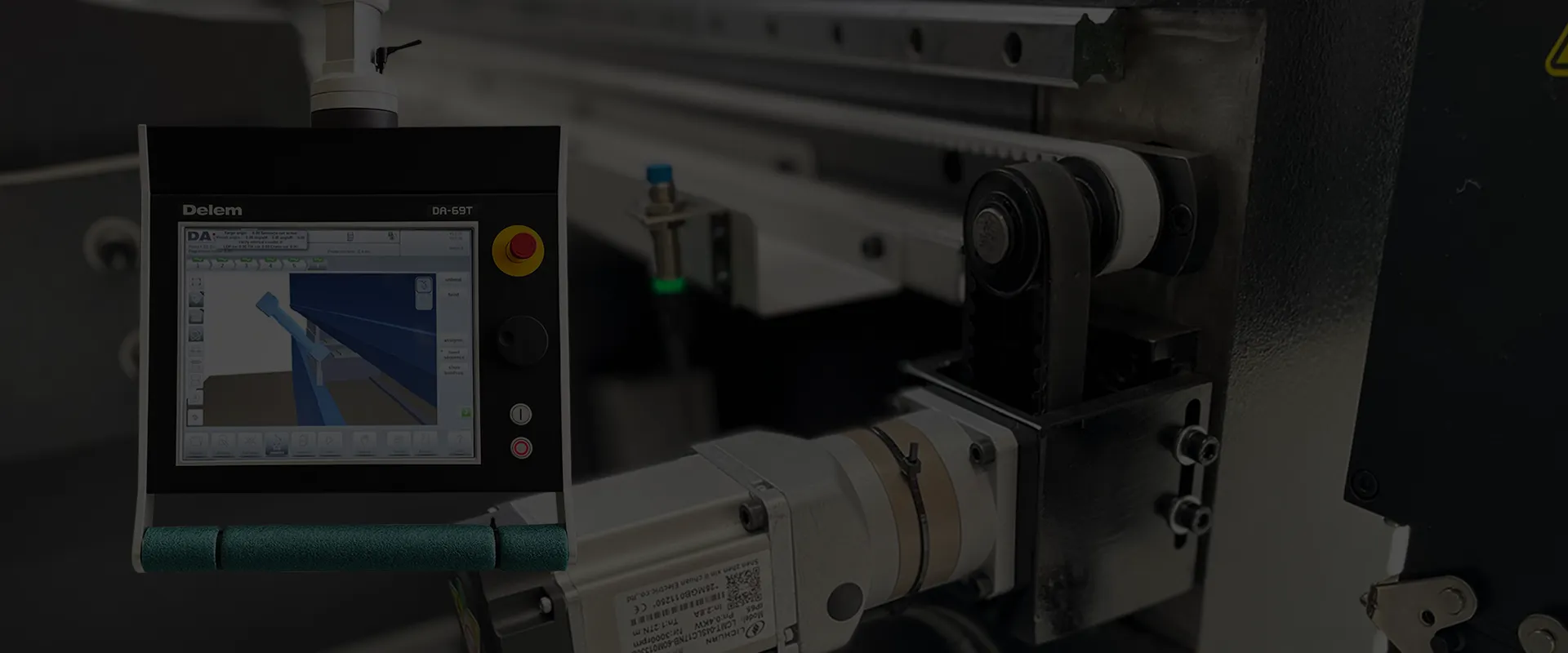
Advanced CNC and ad-hoc tools like "Smart Factory" enable companies to enter Industry 4.0—revolutionizing operations by unlocking cross-company data sharing: bending programs, sensors, and production stats.
Smart Factory Tools for Industry 4.0 Access

WEIYA Industry 4.0 With IOT Productiv

Additional Control Panel (ACP)

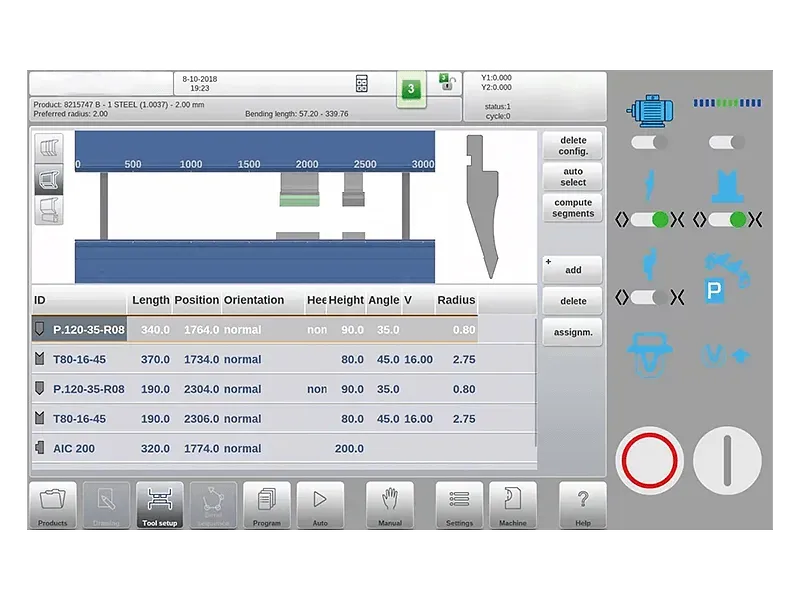
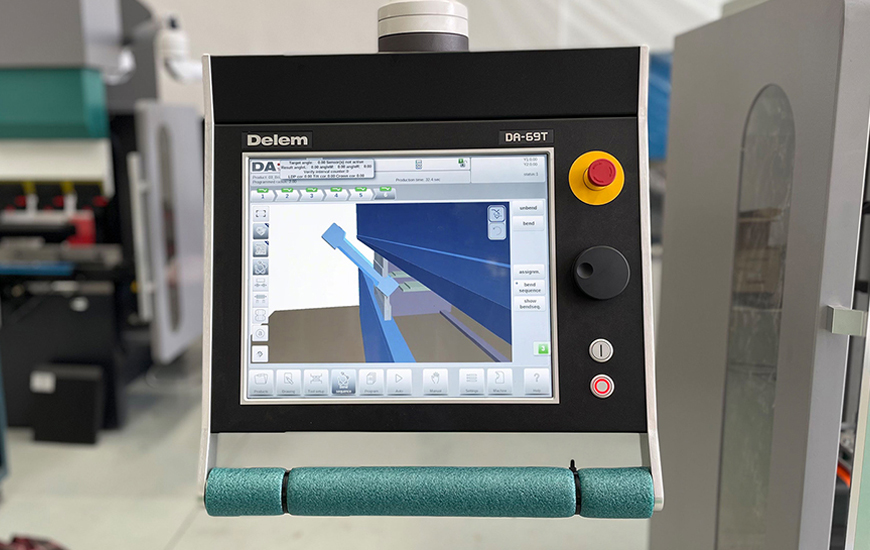
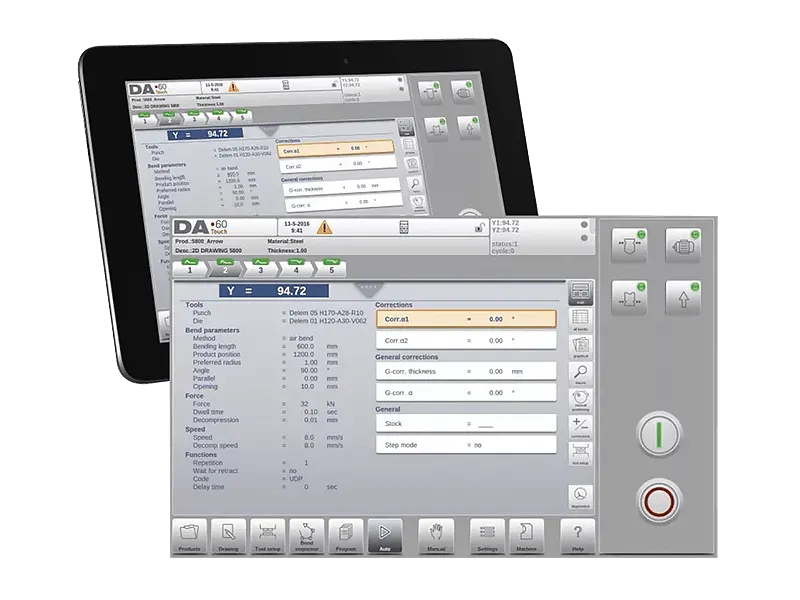
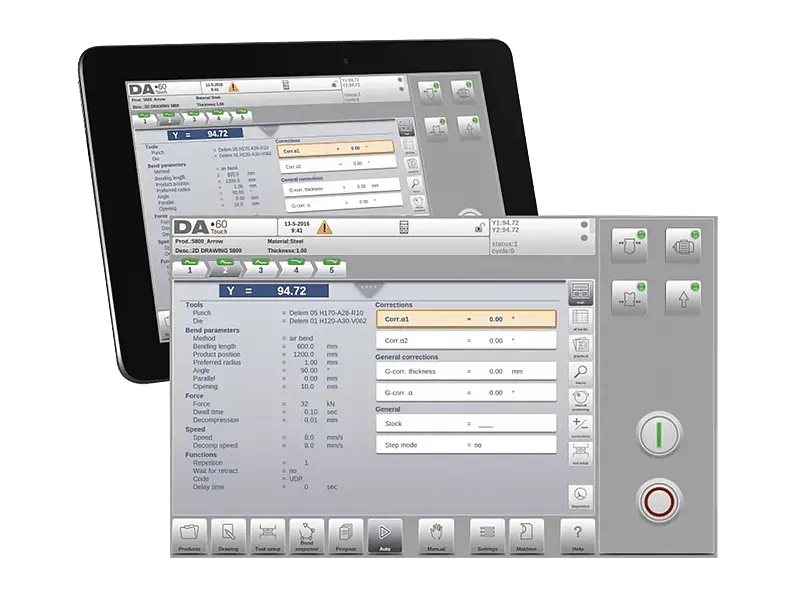
With the ACP (Additional Control Panel) option, a supplementary operator panel can be linked to a DA-60Touch control. The ACP can be a Windows PC or tablet, and the linkage between the DA-60Touch control and ACP occurs via Ethernet. The control software has integrated all components necessary to run the ACP client on any Windows tablet or integrated Windows PC. Once the software option (OP-W-ACP) is enabled, the control will synchronize with the ACP and deliver complete control functions.

ACP Features
ACP Features

An additional screen is incorporated within the machine application, allowing operators to monitor and assist the production process’s advancement from their position.

Access and modify CNC data in real-time.

The integration is highly flexible, as the panel can be positioned either within the operator’s console or on the ram, and even moved along the workstation as needed.

It expands the control functions similarly to the SoftOEMpanel.


Products In Time
Products In Time

This block exhibits a bar graph that represents the quantity of each product produced per day. By moving the mouse cursor over one of the bars, the product ID and the amount produced for that specific date are shown.

Machine Modes In Time

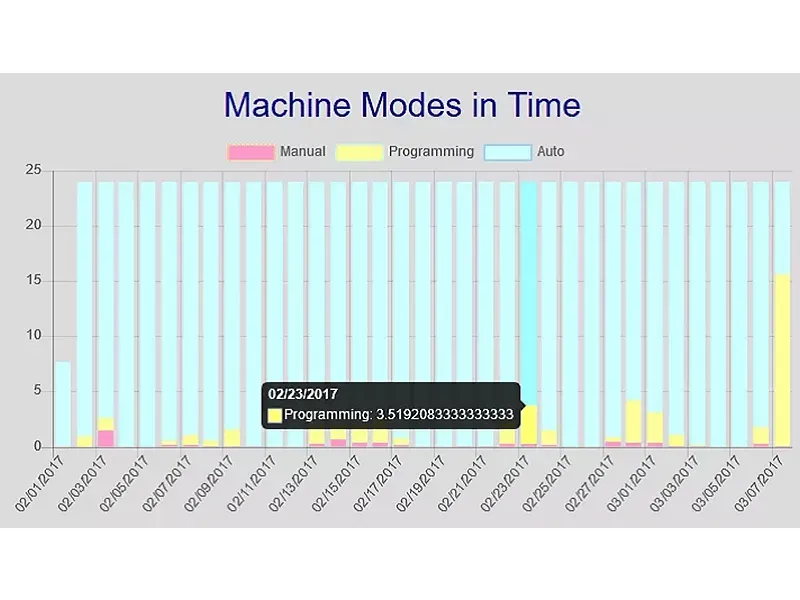
This section displays a bar graph that indicates which mode was chosen and the duration for each day. The available modes include:


  • Programming mode

  • Automatic mode

  • Manual mode


Stokes And Started In Time

This graph illustrates the correlation between the machine’s start time and the number of Y-axis strokes made during that time frame.

Messages In Time
Messages In Time

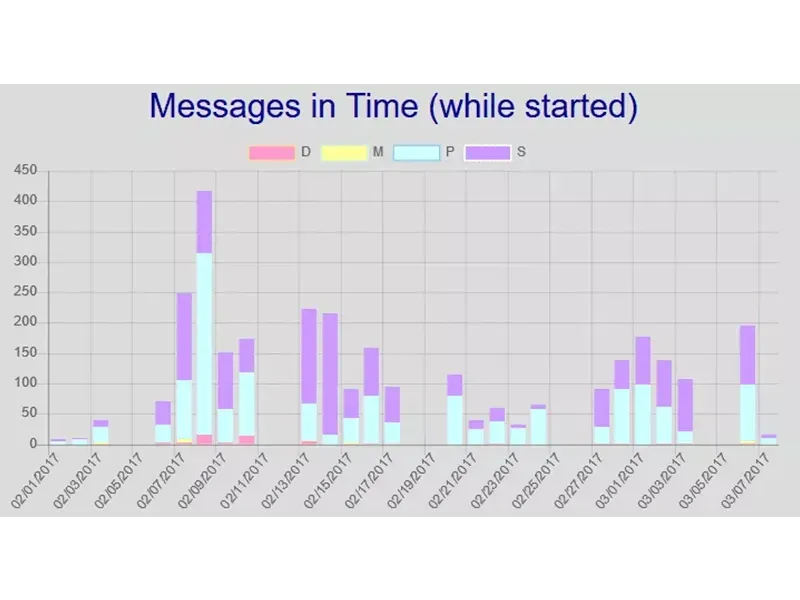
A bar graph is presented, exhibiting the number of messages that were displayed over time. Only the active messages shown during the DA-Control startup are included. The following message categories are indicated:


  • D = messages from the Delem application

  • M = messages from a DM-module

  • P = messages that are generated by a safely PLC

  • S = message generated by the sequencer


Related CNC Products

Related CNC Solutions

Canton Fair Showcases WEIYA's Strength in Expanding into Global Markets
04
Dec
2025
Canton Fair Showcases WEIYA's Strength in Expanding into Global Markets
The several-day Canton Fair has successfully concluded! As a benchmark platform for global economic and trade cooperation, this year's exhibition brought together tens of thousands of buyers and i...
Read More >
Mexican Clients Inspect and Approve Via Equipment
27
Nov
2025
Mexican Clients Inspect and Approve Via Equipment
Mexican Clients Visited Via for an InspectionRecently, Weiya welcomed a delegation of Mexican clients to visit and inspect its factory. Considering the clients' primary focus on the suitability of...
Read More >
Strength in Action | WEIYA and Brazilian Clients Collaborate to Forge a New Chapter
22
Oct
2025
Strength in Action | WEIYA and Brazilian Clients Collaborate to Forge a New Chapter
Careful Preparations for Brazilian ClientsRecently, Weiya welcomed important clients from Brazil to visit and inspect the factory. To ensure the smooth progress of the visit, the team carefully review...
Read More >
Room 1306, Building 2, Ziyuan Mansion, Huashan District, Ma'anshan City, Anhui Province
GET THE BEST PRICE FROM WEIYA TODAY, VERY WELCOME YOUR ENQUIRER AT ANY TIME
Talk to Us
Room 1306, Building 2, Ziyuan Mansion, Huashan District, Ma'anshan City, Anhui Province
info@weiyamt.com +86-13866428690
We use cookies on this site, including third party cookies, to delivery experiennce for you.
Accept Cookies
Read Privacy Policy